/ CASE STUDY

Oleksandr Sytnykov — site for a legal expert and advocacy courses

Oleksandr Sytnykov is a former high-court judge, attorney, and educator who runs training programs for lawyers and advocates. We built a personal-brand site that underscores his professional standing, presents his advocacy courses, and moves users toward an inquiry.

Visit site
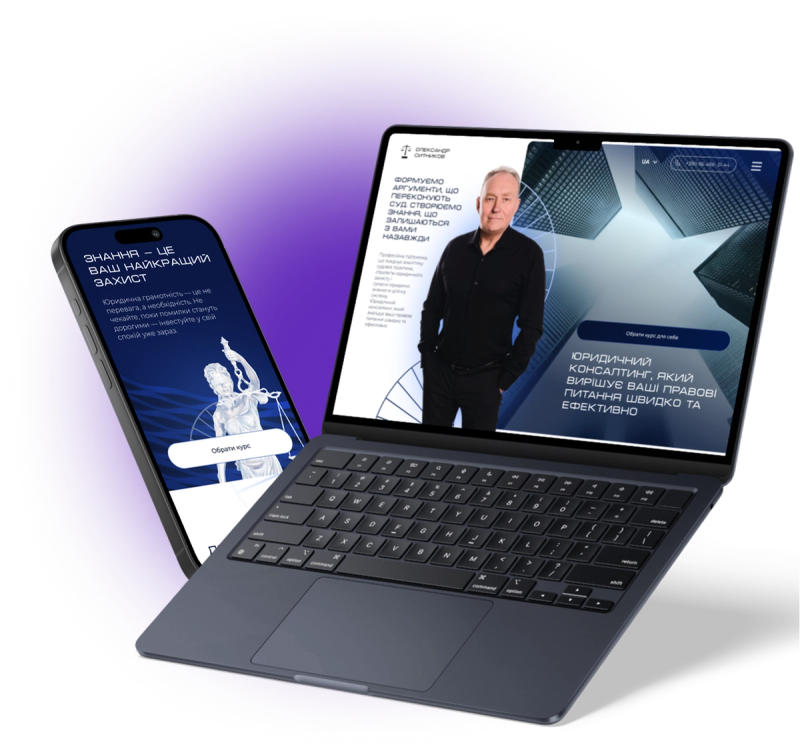
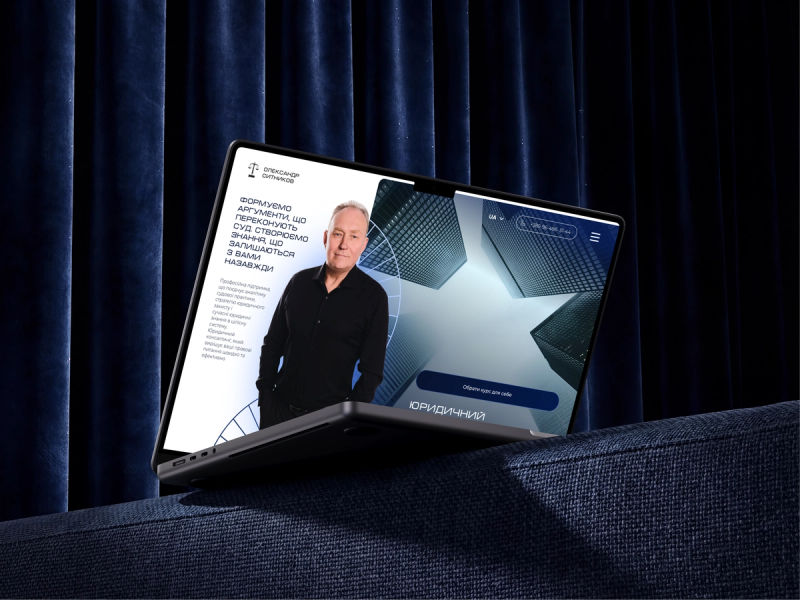
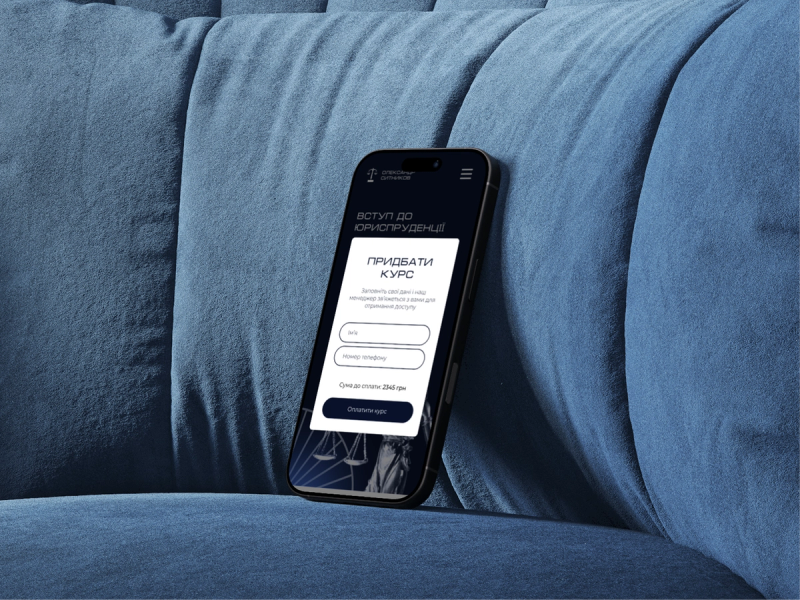
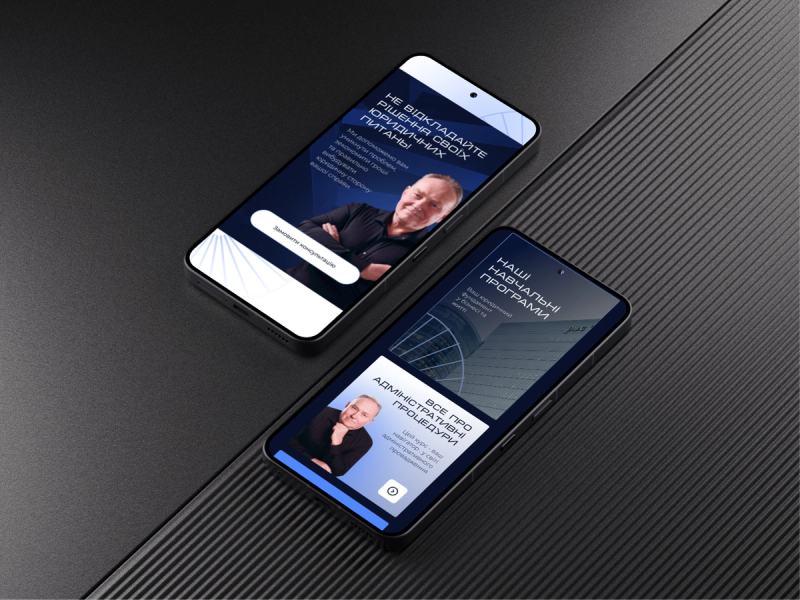
Oleksandr Sytnykov's website shown on laptop and phone
2language versions of the site
1easy admin panel
5+main sections
3tracks: courses, services, publications
/ CHALLENGE

What the client came with

This project wasn't about selling legal services alone — it was about selling trust in an expert with a strong professional background. Clients and students weigh experience, status, and how content is organized before the first inquiry. Without the right architecture, even a strong practitioner stays invisible in search.

  • Present advocacy courses as an expert product, not a footnote on a bio page
  • Structure services, publications, and learning materials in one logic
  • Ship 2 language versions with a sound SEO architecture
  • Add an admin panel for self-serve content updates without a developer
  • Lay an SEO structure for legal and education queries
  • Give a short path from interest to a consultation or course inquiry
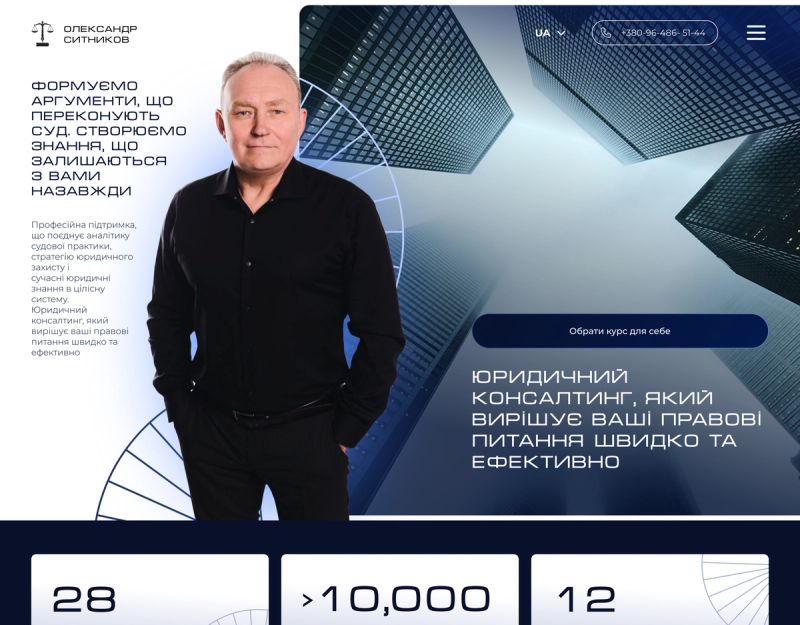
Oleksandr Sytnykov's new homepage with services, courses, and publications
/ SOLUTION

What we did

We built the site around Oleksandr Sytnykov's personal brand: his experience, status, legal expertise, and training programs. Every block does one job: show authority, explain services and courses, and drive the user to an inquiry.

  • Site structure tuned to the legal niche and personal brand
  • Pages for experience, services, courses, publications, and contact
  • 2 language versions of the site
  • SEO tuning on pages for legal and education queries
  • A Sanity CMS admin panel that's easy to run
  • Ability to add new articles and courses
  • Animations for a more modern presentation
  • A responsive build for mobile devices
  • CTAs for consultation or course inquiries
/ CMS

Easy admin panel for site content

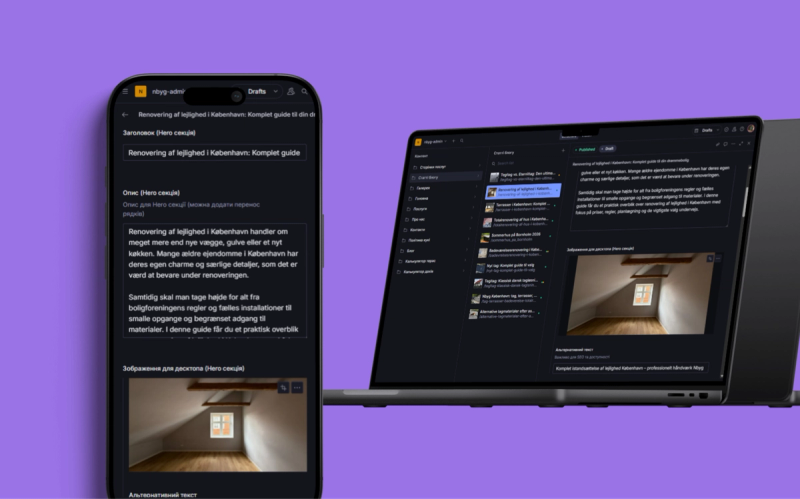
We set the client up with a Sanity CMS admin panel they can run themselves without constantly reaching out to a developer. The interface works on a phone, so changes happen fast: update copy, add an article or course, or reorder blocks. In the admin you can:

  • Edit copy, headings, and buttons
  • Swap images and add new photos
  • Reorder elements via drag-and-drop
  • Edit SEO fields on every page
  • Manage services, courses, articles, publications, and reviews
  • Edit only the sections you need without risking the site's design
  • Run the admin even from a phone
Sanity CMS admin panel on Oleksandr Sytnykov's site
/ OUTCOME

Result

Oleksandr Sytnykov got a site that works as a personal-brand platform, legal-services hub, and advocacy-courses storefront. The site underscores his standing as a former judge, shows his expertise, presents the training programs, and drives users to an inquiry. The bilingual structure and SEO lay the groundwork for organic growth on legal and education queries.

Let's launch a website that works for your business

Book a consultation and we'll go through your project: structure, functionality, timeline, and budget. We'll explain what you need and where spending money won't pay off.

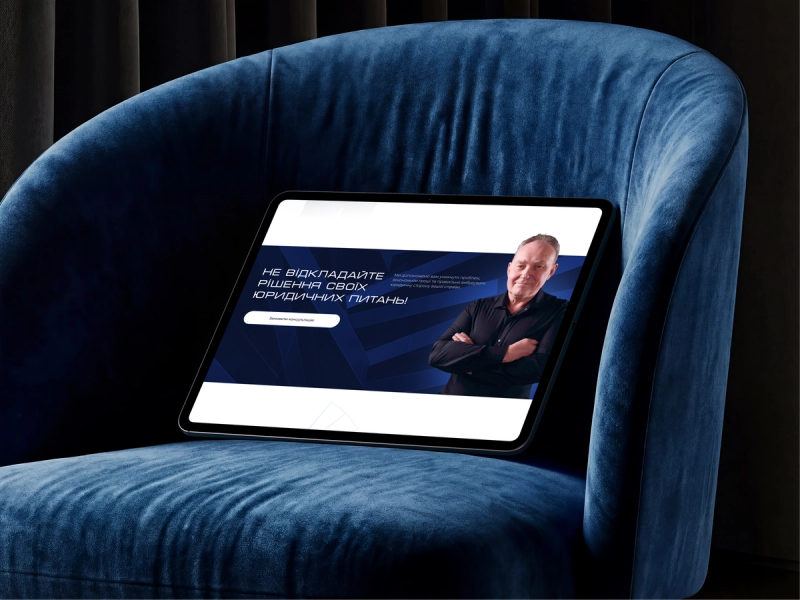
Website mockup on a laptop and smartphone