WordPress was the right call in 2015. Not in 2026.Custom code for €2,500 in 7 working days.
We move your site off WordPress to custom code: a business website for €2,500 in 7 working days, price fixed in the contract. Every Google ranking stays put. 25+ projects — zero SEO drops. Your content, comments, and media come with you.
What WordPress actually costs you.
Hosting is just the surface. Here's what you're paying every month — whether you notice it or not:
Plugins
Yoast Premium, Wordfence, caching, forms, backups. Every plugin is a subscription, an update, and a potential vulnerability.
Hosting + CDN
WP-optimised hosting (Kinsta, WP Engine) starts at €30/mo. Cheap hosting = slow site. Either way, you pay.
Security
WordPress is the #1 target for attackers. Brute-force, XSS, plugin vulnerabilities. Without monthly audits — it's a matter of when, not if.
Over 36 months that adds up to thousands on top of the original build. We charge once — €2,500, first year of hosting and support included, then €120/yr.
WordPress vs Code-Site. Honest.
No spin. What we actually see across 25+ projects.
| Criterion | WordPress | Code-Site |
|---|---|---|
| Loading speed | LCP 3–5 seconds | LCP under 1 second |
| Monthly cost | €50–200 (plugins + hosting + maintenance) | €0 year one, then hosting €120/yr |
| Security | weekly patches, breach risk | no attack surface — it's static code |
| Content editing | Gutenberg / Elementor — confusing, breaks | Sanity Studio — edit from your phone |
| Custom feature | "find a plugin or hire a dev" | written in the brief, built in code |
| Code ownership | shared, theme-bound | yours. In your GitHub from commit one |
| Time to launch | 2–4 months with an agency | 7 working days (business website) |
| Migrating to another stack later | extremely painful | clean — Next.js ports to any infra |
| SEO capability | Yoast + a stack of plugins | schema.org + sitemaps + Core Web Vitals tuned by hand |
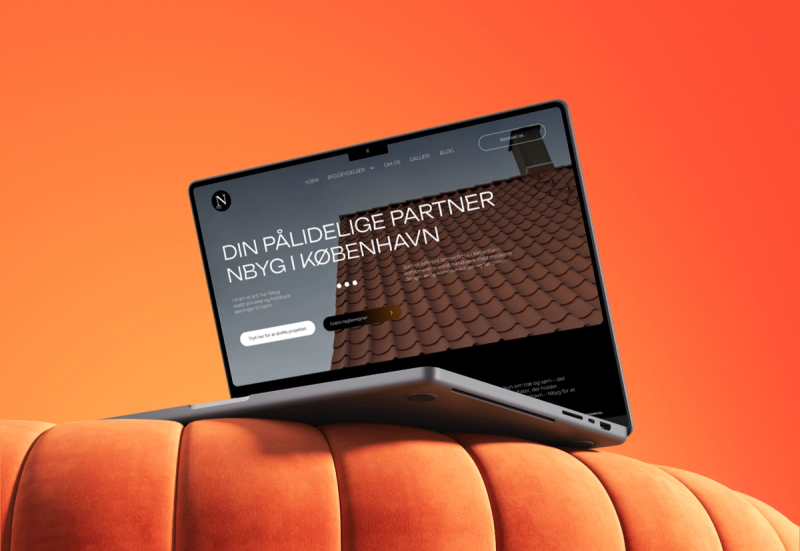
NBYG København. From WordPress to Next.js in 6 weeks.
- LCP~4.5 seconds
- Inquiries/month3
- Local searchpage 2 of Google for “byggefirma Bornholm”
- Monthly site cost~€110 (hosting + plugins)
- LCP0.8 seconds5× faster
- Inquiries/month248×
- Google clicks1,100in 6 months, up from 677
- Monthly cost€0Vercel hobby tier
Construction on Bornholm is a tight niche. We were nervous about losing even the small Google traction we had. Thirty days after the move, traffic held. Sixty days in, it was climbing. Inquiries went from 3 a month to 24. The team wrote the content, ran the QA, and shipped. We just got the keys.
Built on custom code
NBYG København

Solide Renovation

Efedra Clinic
WebBond
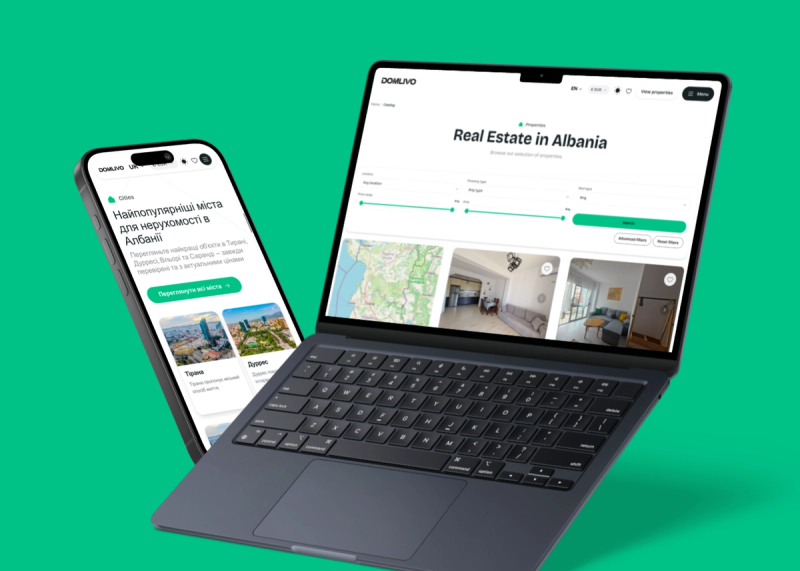
Domlivo
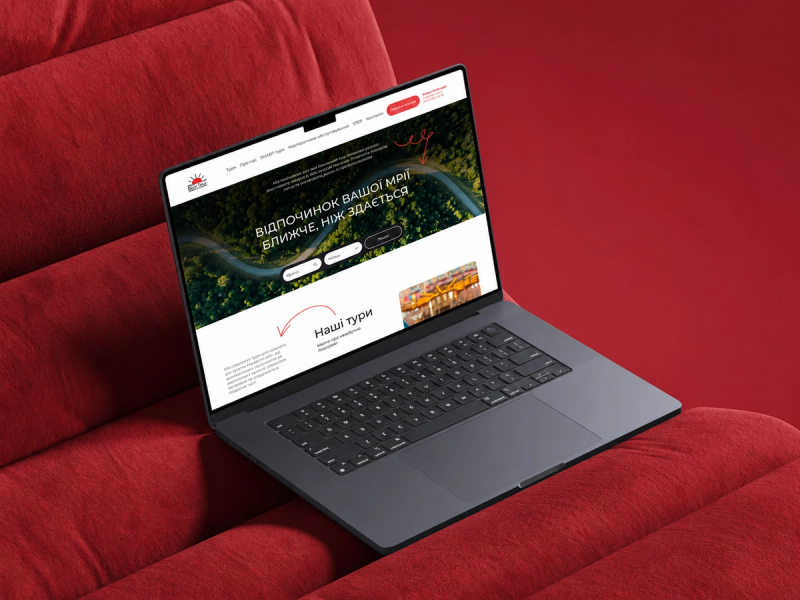
Rich Tour
“What about my SEO?” Nothing happens. It all stays.
This is the #1 question we get. Here's the straight answer:
25+ projects · 0 drops
We've migrated dozens of sites off WordPress and other platforms. Not one lost rankings for more than a week. In most cases, rankings climbed 30–60 days post-launch — a faster site is a better-ranked site.
301 redirects for every URL
Every old URL → new URL. No exceptions. We build the redirect map before launch, you approve it, we ship. Google figures out the move in 7–14 days.
Schema.org and Open Graph carry over
Your current schema (Article, Organization, BreadcrumbList) transfers 1-for-1. We usually upgrade it — add what Yoast missed.
Meta content and H1/H2 stay yours
We don't touch on-page copy without your sign-off. Titles, descriptions, headings — all carry over. Want a refresh? That's a separate copywriting session.
For the first 30 days post-launch, we watch your Search Console daily. If something goes sideways, we fix it the same day. It's covered under your warranty.
Sanity Studio. The admin you work with, not against.
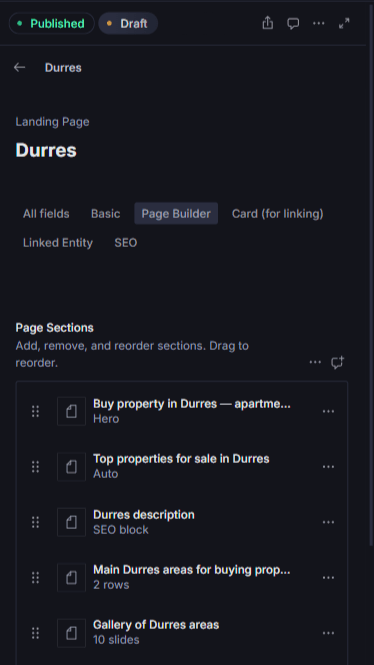
The biggest fear before migration is “how will I edit without WordPress?” Sanity isn't WordPress. It's better: drag-and-drop blocks that can't break the layout, full mobile editing, multi-language and SEO out of the box — no plugins required.
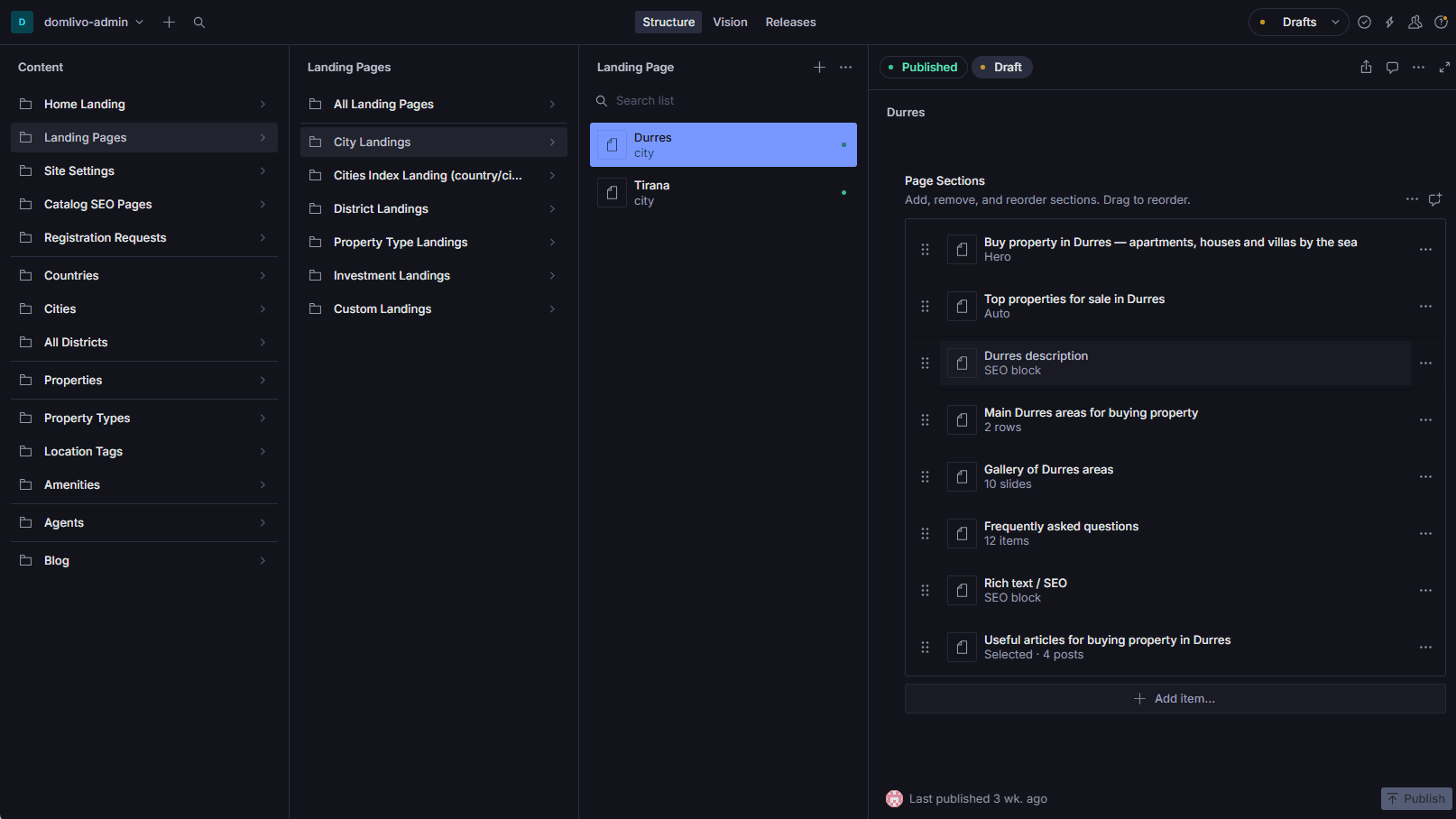
| What you do daily | WordPress | Sanity Studio |
|---|---|---|
| Drag-and-drop blocks | via Gutenberg / Elementor — theme conflicts | built in, typed — can't break the layout |
| Mobile editing | exists in theory, painful in practice | full editing from your phone, same as desktop |
| Create a new page | possible, but mind the template | one click, template already set |
| Create a new block type | need a PHP dev or a plugin | drag-and-drop, no code |
| Multi-language | WPML plugin, €99/year | built in, free |
| SEO (title, meta, OG, schema) | Yoast Premium, €99/year | fields on every document, free |
| Real-time collaboration | none (just record-locking) | like Google Docs — multiple editors at once |
| Version history | basic, only on paid hosting | full, one-click rollback |
| Security updates | weekly — risk of breaking the site | we host it, you update nothing |
| Cost for a team up to 5 | €30+/mo hosting + plugins | €0 for the admin |
6 things you do without a developer
Drag-and-drop blocks
Drag sections onto a page — text, image, form, testimonials, FAQ. Every block has rules, so you can't break the layout.
Works on your phone
Actually works. Not “responsive admin for emergencies” — full editing from mobile. Read a testimonial on the train — publish before you reach the office.
Create new pages yourself
No developer needed. Click “new entry,” pick a template, fill the fields, publish. 5 minutes.
Multi-language built in
Every field has UK and EN versions. Translate here — it renders there. No plugins, no extra fees.
SEO without Yoast
Every page has title, meta-description, OG-image, canonical, schema.org fields. Fill them in — Google sees them.
Free for teams up to 5
Your marketer + assistant + copywriter + editor + you — €0 per month. Paid tier kicks in at editor #6.
Sanity Studio is open-source. If you decide to leave us in 5 years — the Studio stays with you, content exports to JSON, you migrate anywhere. No vendor lock-in.
How it works. 5 steps.
- 01
Audit
within 24 hours · freeWe look at your WP: pages, plugins, integrations, SEO state. Map of what transfers.
- 02
Plan + redirects
days 1–2301 redirect map. Wireframes of the new structure. You sign off — we start building.
- 03
Build
days 3–6Custom code on Next.js. Content imported from WP. Demos as we go.
- 04
SEO bridge
day 7301s configured, Search Console, Analytics, schema.org. Pre-launch QA.
- 05
Launch + monitor
switch day + 30 daysDNS swap. First 30 days — daily monitoring of rankings and traffic.
What we don't do.
Not every WP site should come to us. Here's when we'll say no:
WooCommerce sites with 5,000+ SKUs
Shopify or a separate custom project is the right call.
WP-Multisite networks
That's a different architecture, not our wheelhouse.
Sites with custom plugins written for your business
If your operation depends on bespoke PHP logic, rewriting it in TypeScript is a separate project. We'll tell you straight.
If your case isn't on this list, send us the link. The audit is free and comes within 24 hours — we'll tell you if we're a fit or if you should look elsewhere.
What it costs to leave WordPress.
Price and timeline are fixed in the contract. Moving off WordPress with SEO intact — +€400 on top of the package.
fixed price€1,200
What's included
- One long-form page
- Works on phone and tablet
- Contact form with email or Telegram alerts
- Basic SEO
- Copy written from your brief
- Hosting and SSL for a year
- One-year warranty
- You own the code
Not included
- CMS
- Multiple languages
- Blog
fixed price€2,500
What's included
- Up to 5 pages
- Sanity CMS — edit it yourself, even from your phone
- Forms with email or Telegram alerts
- SEO-ready structure
- Copy written from your brief
- Google Analytics + Search Console
- Hosting and SSL for a year
- One-year warranty
- You own the code
Not included
- Online shop
- CRM and service integrations — see add-ons
fixed price€3,900
What's included
- Catalogue of up to 100 products
- Product cards with variants
- Basket and two-click checkout
- Online card payments
- Delivery integration
- Sanity admin panel
- Category SEO
- Order alerts by email or Telegram
- Hosting and SSL for a year
- One-year warranty
- No subscriptions, no commission
Not included
- Over 100 products — see add-ons
- Marketplace feeds
- Stock management
Fixed price in the contract · From 3 working days · You own the code · 12 months of warranty and support included · No subscriptions
Every package: hosting, warranty and support for a year — included. Then hosting €120/yr or we move the site to your account. No subscriptions.
What people ask most
Will I lose Google rankings after migration?
What about my blog and comments?
What about my media library (images, PDFs)?
Can I still edit content myself?
What if I want to go back to WordPress later?
Let’s launch a site that works for your business.
We’ll go through your project: structure, features, timeline, and budget. We’ll tell you straight what’s worth spending on — and what isn’t.